Choose a Cabinet Sensor Switch by Control Type
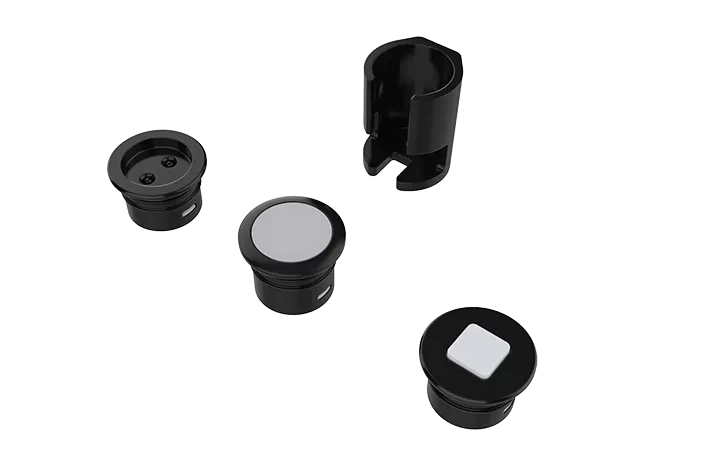
Cabinet sensor switches can be selected according to how the user needs to activate the lighting. ARTCILUX offers door, hand-wave, touch and PIR sensing options for wardrobes, kitchen cabinets, shelves, display furniture and other integrated LED lighting applications.
| Sensor Type | How It Works | Recommended Applications | Related Models |
| Door Sensor Switch | Detects the opening and closing of a cabinet door. The connected light turns on when the door opens and switches off when the door closes. | Wardrobes, kitchen cabinets, drawers, wine cabinets and enclosed storage furniture | S1602.1S/S1602.2S wired models; S1312SE wireless door sensor switch |
| Hand-Wave Sensor Switch | Allows users to switch the cabinet light on or off by moving a hand near the sensor, without touching the furniture surface. | Kitchen cabinets, under-cabinet task lighting, bathroom furniture and frequently used work areas | S1603.1S/S1603.2S single- and dual-head models |
| Touch Sensor Switch | Controls the light through direct touch. Selected models support short-press switching and long-press brightness adjustment. | Shelves, display cabinets, bedside furniture, wardrobes and decorative furniture panels | S1604.1S/S1604.2S wired models; S1314SE wireless dual touch sensor switch; S1015AS wireless touch sensor switch |
| PIR Motion Sensor Switch | Detects human movement within the sensing area and automatically activates the connected cabinet lighting. | Walk-in wardrobes, closets, cloakrooms, display areas and frequently accessed storage spaces | S1606.1S/S1606.2S wired models; S1316SE wireless PIR sensor switch |
The right control type depends on the furniture structure and the required user experience. Door sensors are suitable for enclosed cabinets, hand-wave sensors provide hygienic touch-free control, touch sensors offer direct operation and optional dimming, while PIR sensors are better for spaces where lighting should respond automatically to human movement.
For a complete product comparison, explore our wired 12V/24V LED sensor switches or wireless cabinet sensor switch senders.
Before selecting a model, confirm the operating voltage, maximum load, sensing distance, installation method and furniture opening dimensions. Wireless models must also be paired with a compatible ARTCILUX receiver.
Wired vs Wireless Cabinet Sensor Switches
| Feature | Wired LED Sensor Switch | Wireless Sensor Switch |
| Control Method | Connected in the low-voltage LED circuit | Sends a wireless signal to a compatible receiver |
| Typical Power | 12V/24V DC system | Battery-powered or system-specific sender |
| Receiver Required | Usually no separate wireless receiver | Yes |
| Installation | Requires input/output wiring | Reduces control wiring at the sensor position |
| Main Advantage | Stable and simple system integration | Flexible placement and easier retrofit |
| Best For | Mass-produced furniture and fixed wiring | Retrofit, modular furniture and multi-zone systems |
A wired cabinet sensor switch controls the low-voltage lighting circuit directly, while a wireless sensor switch sends commands to a compatible receiver within the cabinet lighting system.
Frequently Asked Questions About Cabinet Sensor Switches
What is a cabinet sensor switch?
A cabinet sensor switch automatically controls low-voltage LED lighting in cabinets, wardrobes, shelves and furniture. Depending on the model, the light can be activated by opening a door, waving a hand, touching the sensor or detecting human movement.
Which sensor switch is best for wardrobe lighting?
A door sensor switch is suitable when the light should turn on as the wardrobe door opens and turn off when it closes. A PIR motion sensor is better for walk-in wardrobes or open closet areas where lighting needs to respond to human movement.
What is the difference between a door sensor and a PIR sensor?
A door sensor detects the position of a cabinet door and controls the light according to whether the door is open or closed. A PIR sensor detects human movement within its sensing range and can activate lighting without relying on a cabinet door.
What is the difference between wired and wireless cabinet sensor switches?
A wired cabinet sensor switch is installed directly in the 12V or 24V lighting circuit and controls the connected LED lights. A wireless sensor switch sends commands to a compatible receiver, allowing more flexible sensor placement and reducing control wiring at the sensor position.
Can cabinet sensor switches work with both 12V and 24V LED lights?
Some ARTCILUX sensor switches support both 12V and 24V DC lighting systems, but the supported voltage varies by model. The sensor switch, LED power supply, receiver and lighting fixtures must use a compatible voltage.
Can one cabinet sensor switch control multiple LED lights?
Yes, one sensor can control multiple cabinet lights when the total current and wattage remain within the rated capacity of the switch or receiver. For larger lighting systems, a multi-output power supply or compatible receiver may be required.
Does a wireless cabinet sensor switch require a receiver?
Yes. A wireless sensor sender does not normally connect directly to the LED lights. It transmits control commands to a compatible receiver installed between the LED power supply and the lighting fixtures.
Are all 2.4GHz sensor switches compatible with the same receiver?
No. Products operating at the same 2.4GHz frequency may use different pairing protocols, channels or control commands. Receiver compatibility should be confirmed before ordering or installation.
Can cabinet sensor switches support dimming?
Selected touch, hand-wave or wireless sensor models can support brightness adjustment when used with a compatible dimming receiver or control circuit. Door sensor and PIR models may provide on/off control only, depending on the product configuration.
What should I confirm before choosing a cabinet sensor switch?
Confirm the sensor type, 12V or 24V operating voltage, maximum load, sensing distance, installation method, cut-out dimensions, cable length and required control functions. For wireless models, also confirm the compatible receiver and pairing method.
Can ARTCILUX customize cabinet sensor switches for OEM projects?
ARTCILUX supports OEM and ODM requirements for furniture lighting projects, including sensor type selection, cable length, connectors, product appearance, packaging and system matching. Customization options depend on the model and order requirements.
Which applications are suitable for cabinet sensor switches?
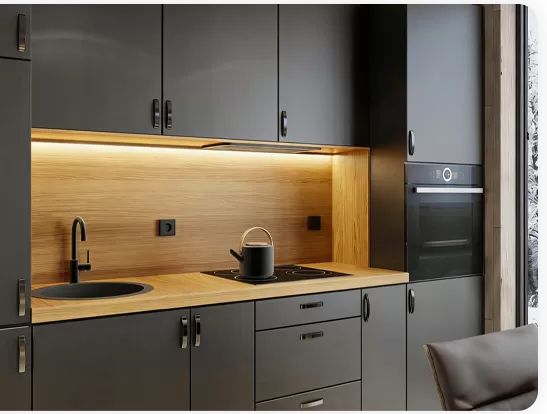
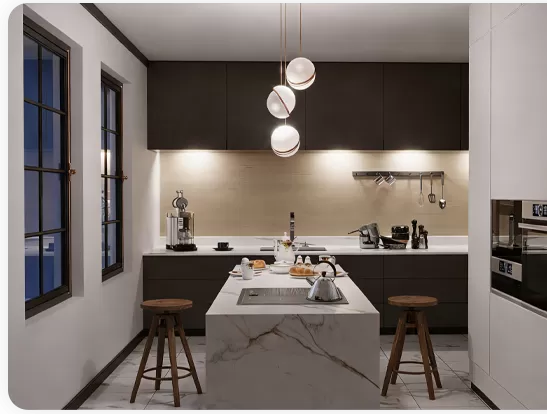
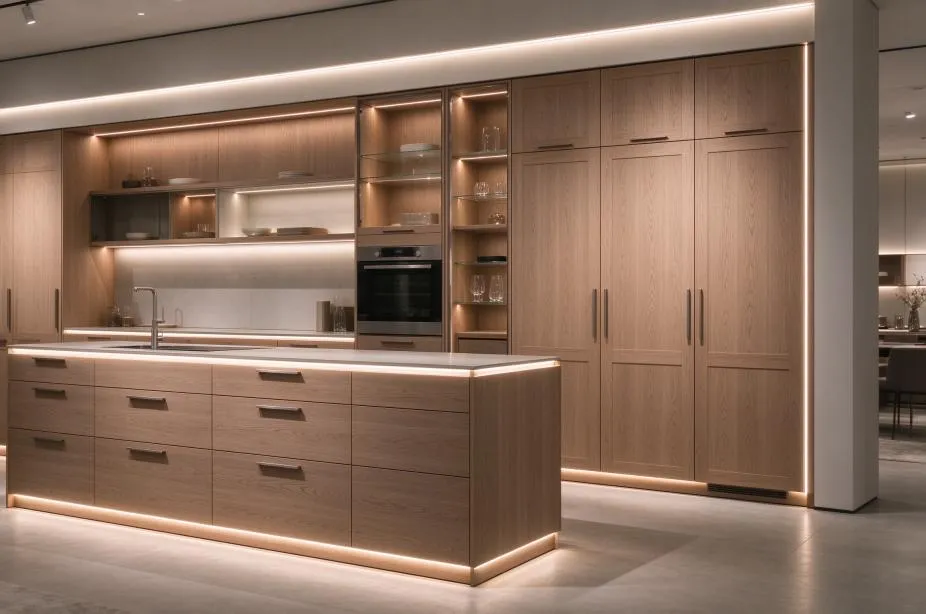
Cabinet sensor switches are commonly used in kitchen cabinets, wardrobes, closets, drawers, shelves, wine cabinets, display cases, bathroom furniture and custom millwork lighting systems.









.webp "S2102 Wireless Knob Remote Control for Dimming and Color Temperature Adjustment")